
Legal and access checks
- Review local law
- Do not use bypass instructions
- Do not rely on older guides
ACCOUNT FIELD EXPLAINER
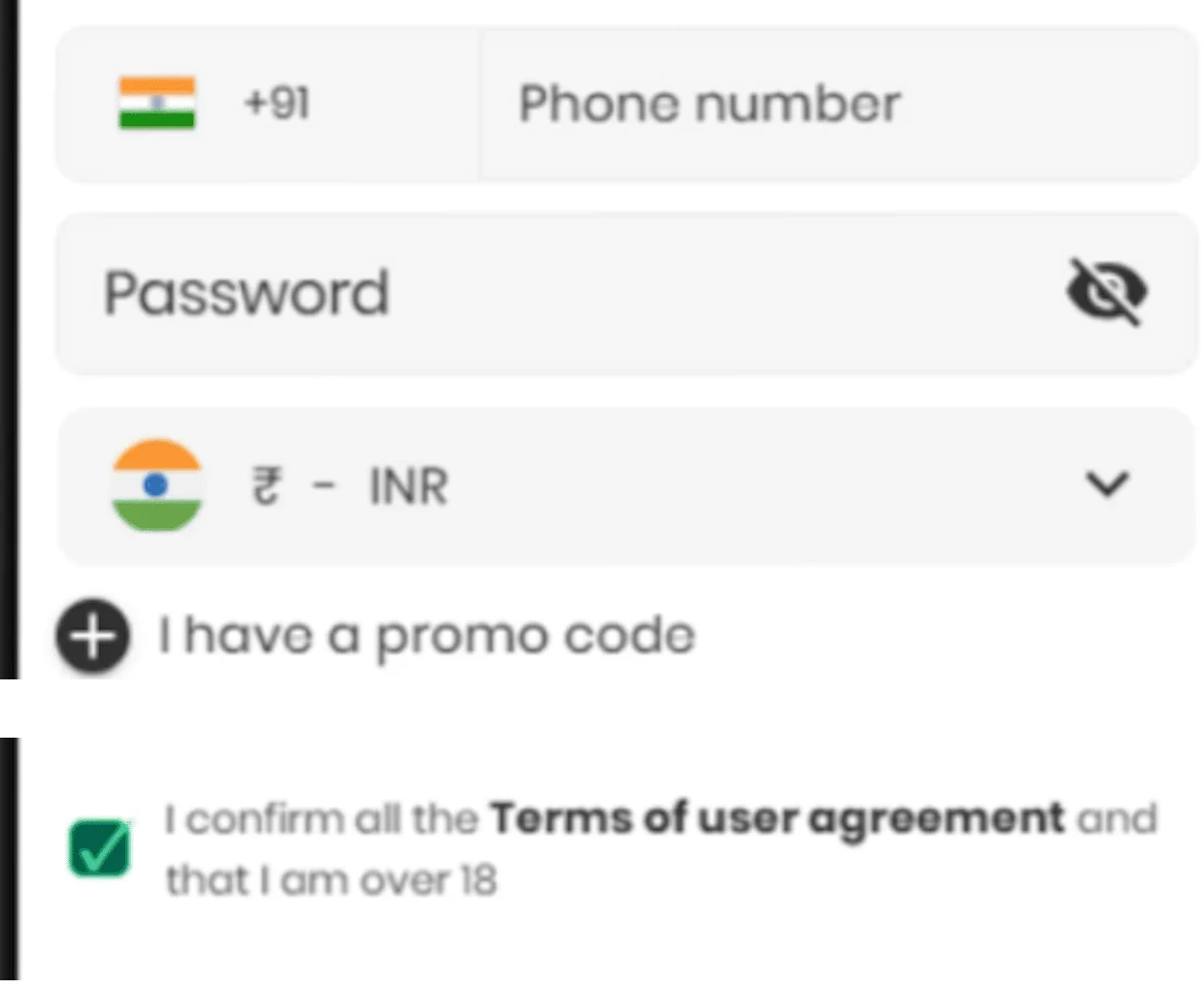
Public Crorebet registration screenshots have shown a +91 phone field, password entry, INR selection, promo-code area and terms confirmation. This page explains those fields and the risks attached to sharing personal information; it does not host a registration form.
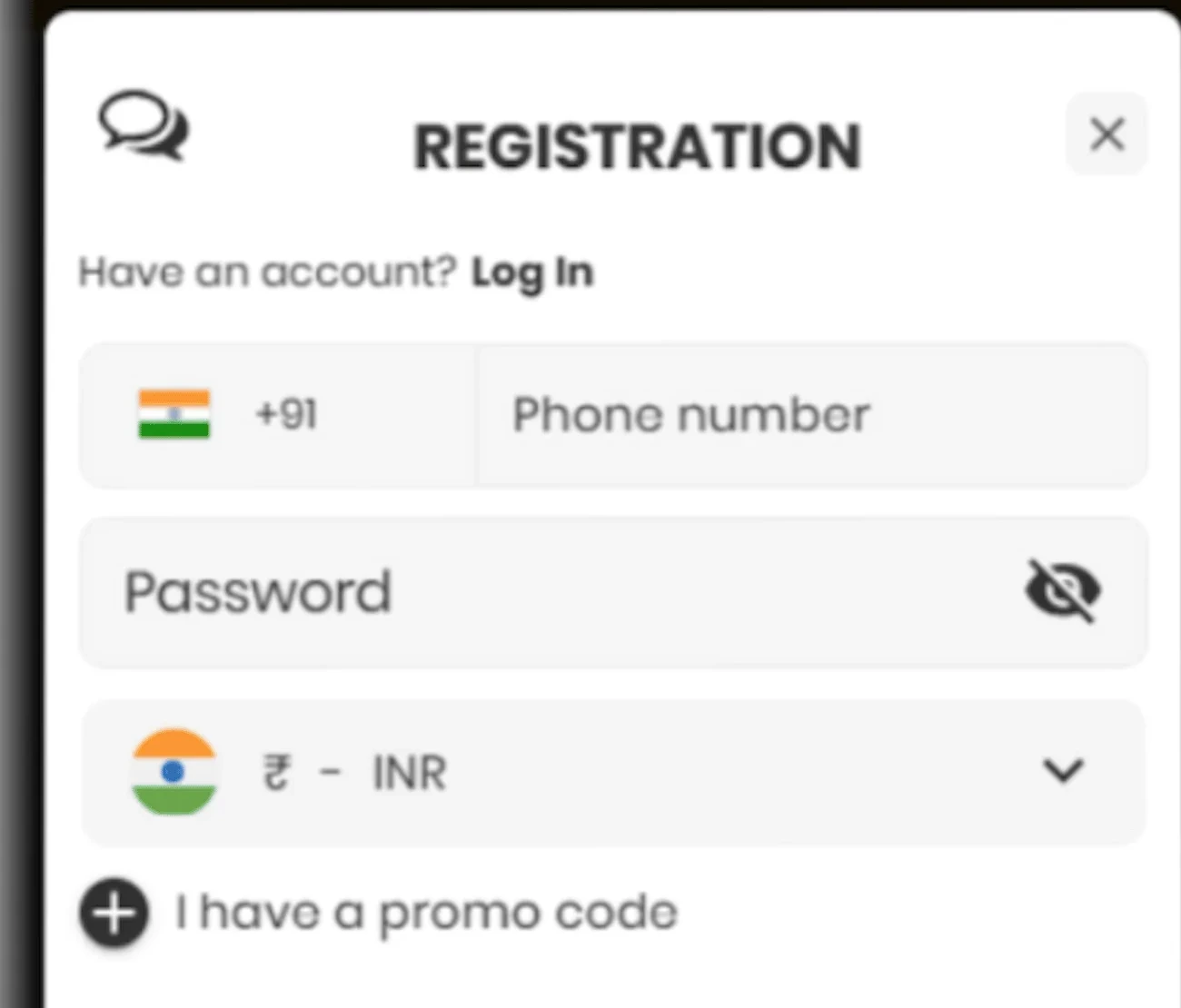
The form crop shows a +91 phone field, password entry, INR currency selection, an optional promo-code area, terms confirmation, age confirmation and a Google account option. Field order, verification timing and document prompts may change, so the screenshot should be read as an earlier interface record rather than a live form.
India’s national framework effective from 1 May 2026 prohibits online money games. crorebet.wiki has no account form, sign-up endpoint or external registration link.
Public sources do not agree on every detail. If a page asks for payment before account verification, demands a fee to unlock registration, or pushes users toward a private chat account, stop and review the risk before sharing anything.
A registration form is a data request, not a harmless screen. Check the sequence of requests as well as the fields themselves. A page that asks for payment, document upload or private chat confirmation before explaining its terms and recovery process is higher risk.
Public guides have mentioned identity verification, but the exact documents and timing may change. Do not upload identity documents through Telegram, WhatsApp, email replies or unverified mirror sites.
Do not assume that Aadhaar, PAN or any other document will always be requested. A page asking for documents outside an authenticated account area deserves extra scrutiny, especially if the request arrives through a private support message.
Terms and age confirmations should be readable before personal data is submitted. If the terms open a blank page, a chat thread or unrelated branding, stop and reassess the page identity.
Check the country code, repeated digits and whether the number was used before. Do not send the number to an unsolicited support account.
Network delay, SMS filtering or a blocked page can explain the issue. Do not share any OTP if it later arrives unexpectedly.
Availability may change by interface, account or local rules. A missing INR option should not be bypassed.
Duplicate account messages can indicate an existing profile or a data issue. Do not pay anyone to remove the message.
Do not use a proxy, mirror page or unofficial domain to bypass a restriction. Check the current interface and applicable law rather than relying on an older guide.
A registration form should not demand a recovery fee, verification fee or support fee. Treat that request as a red flag.
Review password rejection, OTP safety and account lock issues.
Read login guideCheck UPI, IMPS and transaction-reference risk points.
Review payment checksRead concise answers about website identity, licence claims and reporting fraud.
Open FAQCrorebet registration interface screenshot
Checked: 20 July 2026
Used for: phone, password, INR, promo-code and terms-field labels.
Government source: Promotion and Regulation of Online Gaming Rules, 2026. Gazette notification G.S.R. 303(E). Published: 22 April 2026. Used for: India legal context and effective date.
Publisher: crorebet.wiki
Last reviewed: 20 July 2026
Corrections: contact@crorebet.wiki